Copy LinkedIn profiles into Salesforce in one click.
Stop copy-pasting. Start closing.
One job. Done before you move on.
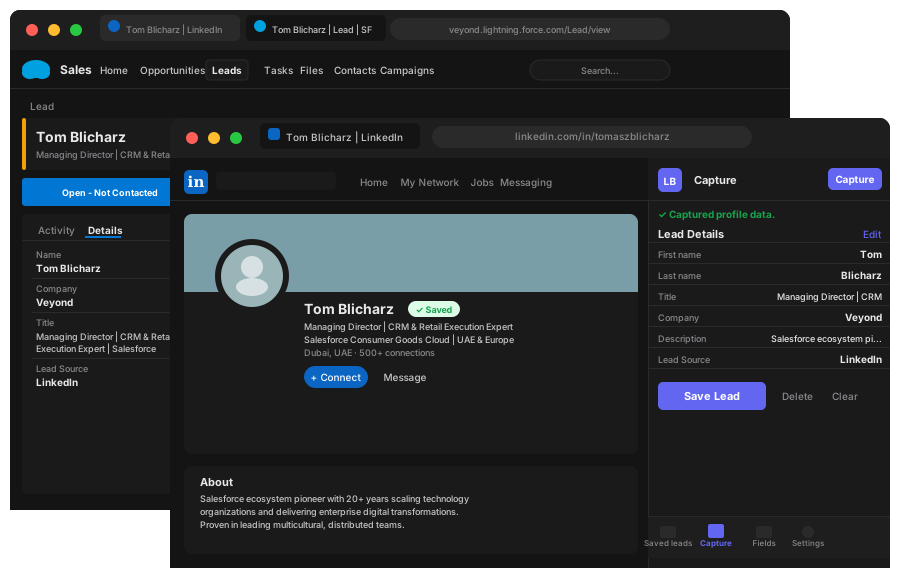
Stop copy-pasting. Start closing.
One job. Done before you move on.
What it does.
One-click capture
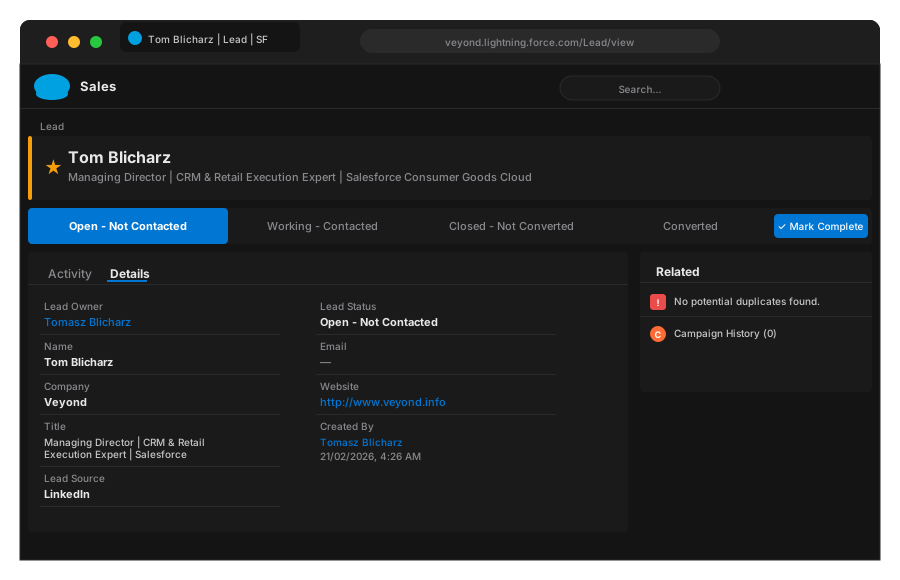
Hit the Portifylead.com button on any LinkedIn profile. Name, title, company, and URL land in Salesforce instantly — no forms, no copy-paste.
No automation. No bots.
Portifylead.com reads only what you can already see on the page. No background activity, no automated requests — just you, clicking once.
Browse the way you always do. Nothing changes.
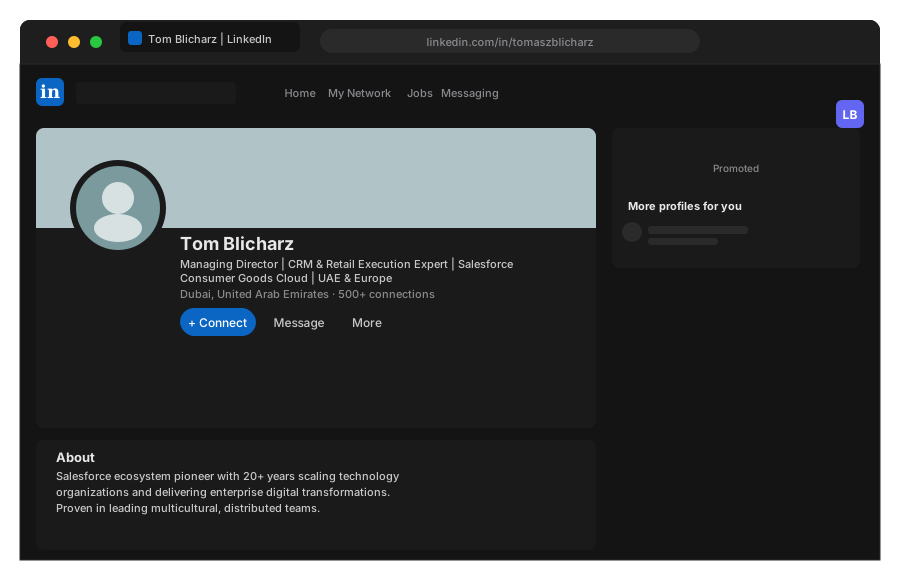
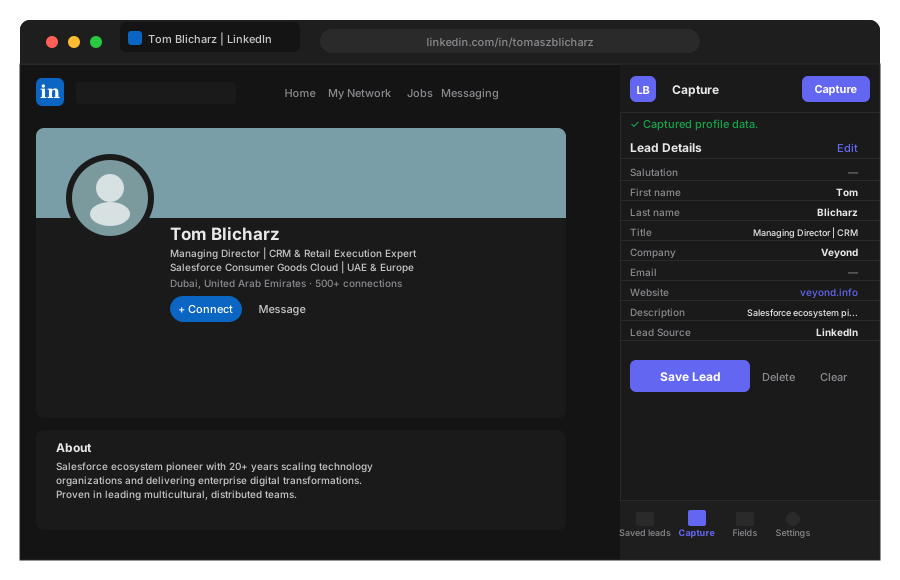
That's the whole job.
Name, title, company, LinkedIn URL. Done before you move on.
Portifylead.com was built by two people who lived the problem firsthand. One doing SDR work, copy-pasting LinkedIn profiles into Salesforce field by field every day. The other, the technical mind who decided to fix it properly.
No AppExchange subscription costing hundreds a month. No automation tool risking a LinkedIn ban. No bloated platform charging for 47 features to use one. Just the thing that needed to exist — one click, one lead, done.
"
We built Portifylead.com because I was losing track of my own prospects. I'd find someone great on LinkedIn, message them, and log it later by the time they replied I had no idea who they were. Portifylead.com fixed that for me.
Tomasz
Founder & SDR
No annual plans. Cancel anytime.
Standard
$5
per month
Team
$25
per month